
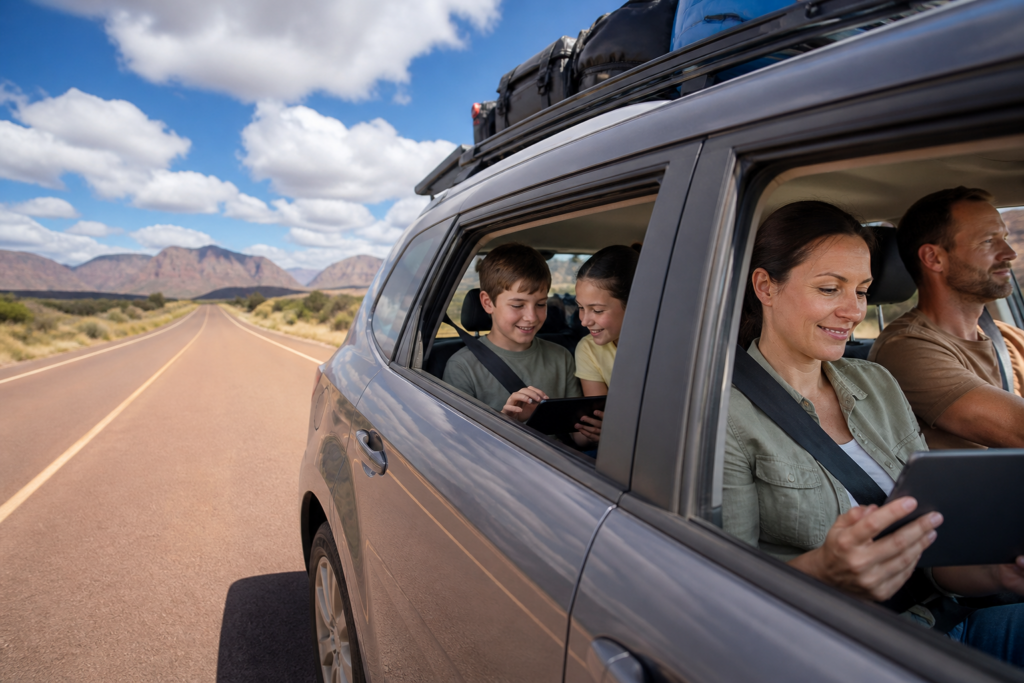
The moment you leave a major city or coastal hub on an Australian road trip, mobile signal becomes unreliable and free Wi-Fi disappears entirely. Kids who were happily streaming shows suddenly can’t load anything, navigation apps stop updating, and parents who need to check email are left staring at a spinning circle. It’s one of the most common frustrations for families hitting the road across this vast country.
This guide focuses entirely on solving that problem. It covers how to get the most from your mobile data on well-travelled routes, when a basic signal booster earns its keep, and when a caravan satellite dish is genuinely the smartest upgrade you can make. You’ll also find a straightforward entertainment setup that works whether you have four bars of 5G or none at all. Mobile-only works well on many highways, but remote outback legs call for a different approach.
The reality of connectivity on long Australian drives
Coverage across Australia is sharply uneven. Between and within major cities on the east coast, 4G and 5G are generally reliable, but move onto regional highways and service becomes patchier. Venture inland toward the outback or into national parks and you can easily go hours, or even days, without any mobile signal at all. Routes such as Darwin to Alice Springs traverse long stretches where there are simply no towers within range.
The network you choose matters as much as the route. Telstra, and providers that run on the Telstra network, typically reach further into regional and remote areas than cheaper alternatives, which tend to concentrate their infrastructure around population centres. If your plan is with a discount carrier that piggybacks a more limited network, coverage may disappear well before you’d expect.
For families, the practical consequences stack up quickly. Kids’ streaming stops working, online games drop out, video calls to grandparents fail, and navigation apps lose their live traffic and rerouting features if you haven’t downloaded maps for offline use beforehand. Power is another consideration: running multiple devices, a hotspot and any in-van screens throughout the day puts a real load on your car and caravan batteries, particularly if you’re free camping or relying on an off-grid solar setup.
For coastal and well-populated routes, mobile data with good offline backups is usually enough. For remote inland legs, you need to make a deliberate choice before you leave about how you’ll stay connected, because there won’t be a fix available once you’re out there.
Your core connectivity toolkit for most highway routes
For trips that largely follow the east coast or stay within a few hours of regional centres, a well-chosen mobile setup does the job. Start with a SIM on a plan that offers generous data, a hotspot allowance and coverage suited to your route. A Telstra-based SIM is usually the strongest choice for regional travel, though you might pair it with a cheaper SIM for city use if budget matters.
Before you leave home, pull up the coverage maps from the major providers and trace your planned route. Most carriers publish these online, and they let you see roughly where 4G is likely and where the signal drops away, so you can mark expected dead zones into your driving plan rather than be caught off guard.
Rather than having each family member’s device hunting for signal independently, run everything through one dedicated connection: either your phone as a hotspot or, better for all-day use, a dedicated 4G or 5G modem in the car or caravan. This centralises the connection, reduces battery drain on individual devices and makes troubleshooting much simpler.
If your route takes you through fringe-coverage areas, an external antenna mounted on the caravan or vehicle can pull in a usable signal where a phone unaided would show nothing. A legal mobile repeater approved for Australian networks amplifies whatever signal is present and is a step further still. Both are genuinely useful on the edges of coverage, though neither performs miracles in true blackspot territory.
This mobile-focused setup is comfortably sufficient for trips that mostly stay on the east coast corridor, shorter loops where you’re rarely more than an hour or two from a town, and work needs limited to emails, messaging and light browsing. The honest caveat: even with the best carrier and an antenna, dead zones will still appear on any long driving day, so offline backups for navigation and kids’ entertainment are non-negotiable regardless of your plan.
Caravan satellite dishes: staying connected far beyond mobile coverage
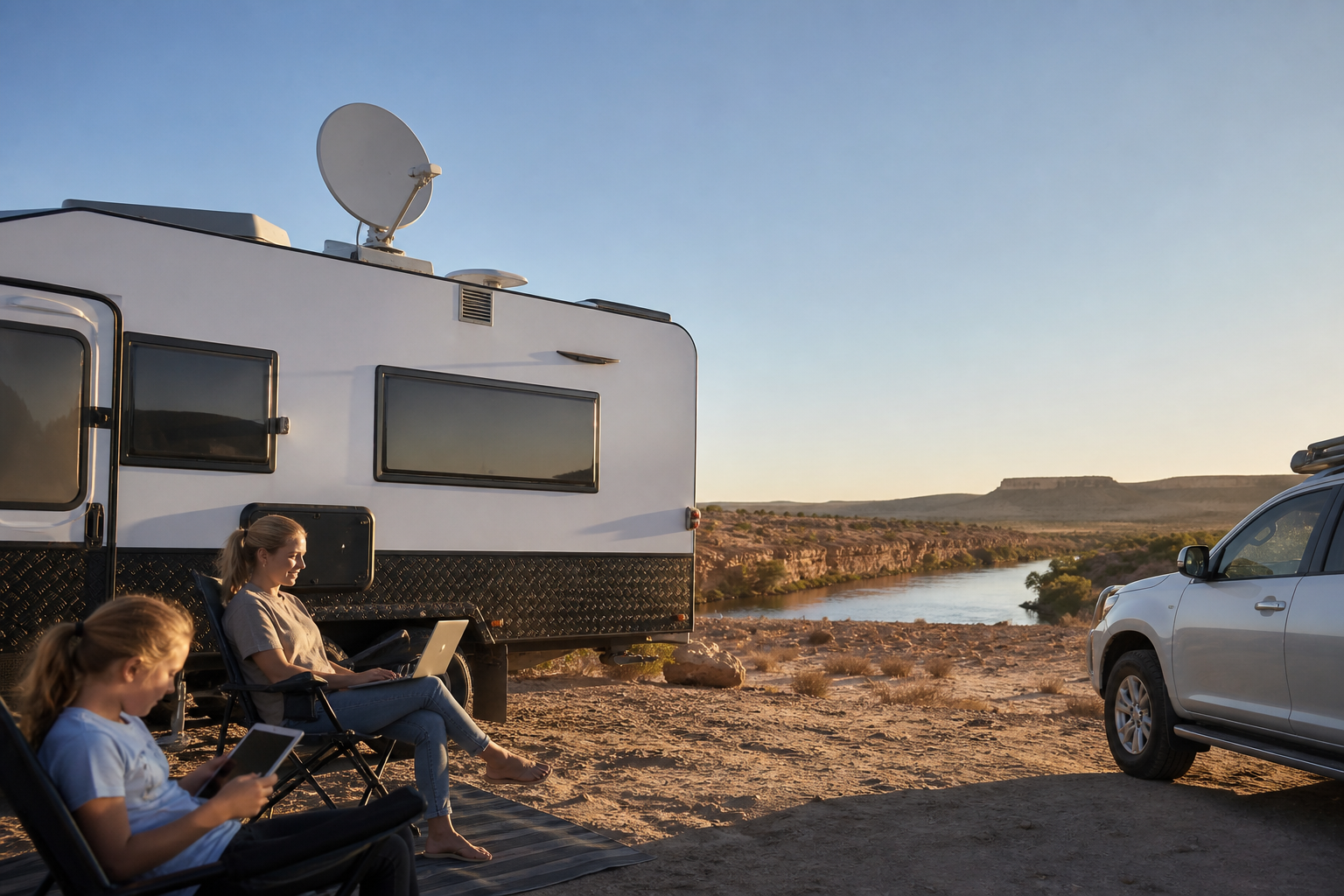
A caravan satellite dish is exactly what it sounds like: a dish mounted on your van’s roof or set up on a tripod at camp that connects to satellites overhead rather than to ground-based mobile towers. Because the signal comes from the sky, it works in places where there’s no mobile coverage at all, which covers a substantial portion of outback Australia.
Day to day, the setup is straightforward. You park, the dish either aims itself automatically or you point it manually at the correct satellite, and then you connect your router inside the van. Devices join the network just as they would at home, whether you’re camped in the Red Centre or parked at a remote national park site.
For road-tripping families, the advantages are real. Coverage is available wherever you have a clear view of the sky, which means outback legs that would otherwise be a complete dead zone become manageable. There’s typically enough bandwidth for kids to stream shows, for older children or teens to jump online for schoolwork, and for adults to hold video calls or upload files for work. Families doing distance education in particular find it genuinely life-changing on long trips.
The trade-offs are worth being clear about. The hardware has a higher upfront cost than a mobile modem or antenna, and monthly satellite data plans tend to cost more per gigabyte than mobile data. Some setup and aiming is required each time you stop, though many modern systems are semi- or fully automatic, which reduces the fuss considerably. The dish also takes up roof space or storage and adds a little weight.
A satellite dish earns its keep on long inland stretches where mobile blackspots are frequent and extended, such as the Darwin to Alice Springs run or the Red Centre circuit. It’s also well worth it for families who plan regular remote free camping, who are schooling children on the road with live call requirements, or who have teens needing stable access for study. You can reasonably skip it if your trip stays close to the coast and major highways, if holiday parks with Wi-Fi are your main accommodation, or if everyone is genuinely happy to be offline between towns as long as devices are loaded with downloaded content.
If you’re drawn to the idea but unsure which system suits your van and how you travel, understanding what a satellite dish does on a caravan is a good place to start, covering manual versus automatic systems, mounting options and data plan choices before you buy.
Caravan satellite dishes: staying connected far beyond mobile coverage
Entertainment setups that keep kids happy on and off the grid
The smartest approach to kids’ entertainment on a long road trip is to build it around offline-first options, so a dropped connection is a minor inconvenience rather than a crisis. Before you leave, download films, series and playlists directly to each child’s tablet, pre-load educational apps and games that work without internet, and save your key route maps for offline use in your navigation app of choice. All of this takes an hour or two at home and pays for itself on the first long drive.
For the car or van, a shared screen setup reduces data use and device arguments. A single tablet mounted safely where all the kids can see it, or a small 12V TV in the van, means everyone watches the same downloaded show rather than each burning through separate content and separate batteries. Give each child their own headphones to keep the cabin calm, and if two kids are sharing one device, a headphone splitter or Bluetooth adapter solves the problem neatly.
Screen time works best when it’s deliberate rather than constant. A loose rotation, where devices are on for a block of time and then off for car games, conversation or looking out the window, keeps kids more settled and extends battery life. Build in obvious off-screen moments: dusk wildlife watching, meals, and a firm lights-out time so children actually sleep well in unfamiliar surroundings.
Non-screen options travel surprisingly well. Downloaded audiobooks and kids’ podcasts handle long straight stretches where even the most patient child runs out of enthusiasm for the view. Travel-size card games, a small colouring kit and a modest box of Lego or craft materials that only come out on driving days all have an outsized impact; the novelty of the ‘special driving box’ tends to reset with each new day.
At camp in the evenings, a satellite connection can feel genuinely useful: kids watch something short, teens catch up with friends, adults check in with work. But the best nights on a long lap often involve none of that, because star-gazing, card games by lantern and just talking are the things families tend to remember long after the trip is over.
Pre-trip setup, power basics and what to do when the internet drops
Most connectivity problems on the road can be prevented before you leave home. Work through these steps in the week before departure.
1. Choose and activate your main data SIM, confirm the plan inclusions and hotspot allowance, and top up if needed.
2. Download coverage maps or save them in your carrier’s app so you can check expected signal without needing a connection.
3. Update all devices and streaming apps while on home Wi-Fi, set up parental controls and profiles, and create offline playlists and download queues for each child.
4. Save key documents for offline access: insurance details, booking confirmations and any school or work materials that might be needed on the road.
5. Download offline maps for your full route, including any planned side trips.
Before you commit to a long trip, do a shakedown test closer to home. Hook up the caravan, connect the hotspot or satellite dish, check every family device can join the network, stream something, and watch how quickly the batteries drain over a typical evening. A single overnight away from home is enough to reveal most setup problems while a fix is still easy.
Power management on the road comes down to a few simple habits. Use 12V chargers in the car while you’re driving so devices recharge while you move rather than drawing on limited camp batteries. Charge power banks daily, and when battery is tight, prioritise phones and navigation first, then work devices, then entertainment tablets. Dim screens and turn on battery-saver modes as a matter of habit, and switch off Wi-Fi and Bluetooth on devices that aren’t actively using them.
Agree as a family before you leave that the driver is not the tech support while the vehicle is moving. Secure devices and cables properly so nothing becomes a projectile in a sudden stop, and set age-appropriate limits on late-night screen use so children actually sleep.
When the internet drops, and it will, a calm response saves everyone’s sanity. Check whether you’re in a known blackspot on your downloaded coverage map; if so, wait until the next town rather than troubleshooting indefinitely. Otherwise, restart the hotspot or router, toggle flight mode on kids’ devices, and switch them straight to a downloaded show or activity. A dropout handled this way is a five-minute inconvenience, and the families who manage it best are the ones who’ve already agreed on what happens next. Test your complete setup on a weekend trip before the big lap, iron out the issues while home is close, and you’ll drive away confident that your family will stay as connected and entertained as they need to be, whether you’re an hour from Sydney or a day’s drive from the nearest town.